_01JMZ4H43P2JR7Z62M1XDT4TBF.png)
Connecting Funnel Cures to Fomo 🚀📈
Funnel Cures is designed for one thing: speed to market. But even the fastest funnel can feel "lonely" if a visitor feels like they are the only one there. By integrating Fomo, you provide the Visual Authority needed to prove that your offers are in high demand.
Because Funnel Cures utilizes the HighLevel infrastructure, you can sync your data using our direct Stripe integration, our native GoHighLevel documentation, or custom Webhooks.
💳 Method 1: The Stripe Connection (The Gold Standard)
If your goal is to show real-time sales, connecting via Stripe is the most reliable "Source of Truth." This bypasses the funnel tech entirely and listens directly to your bank for successful payments.
-
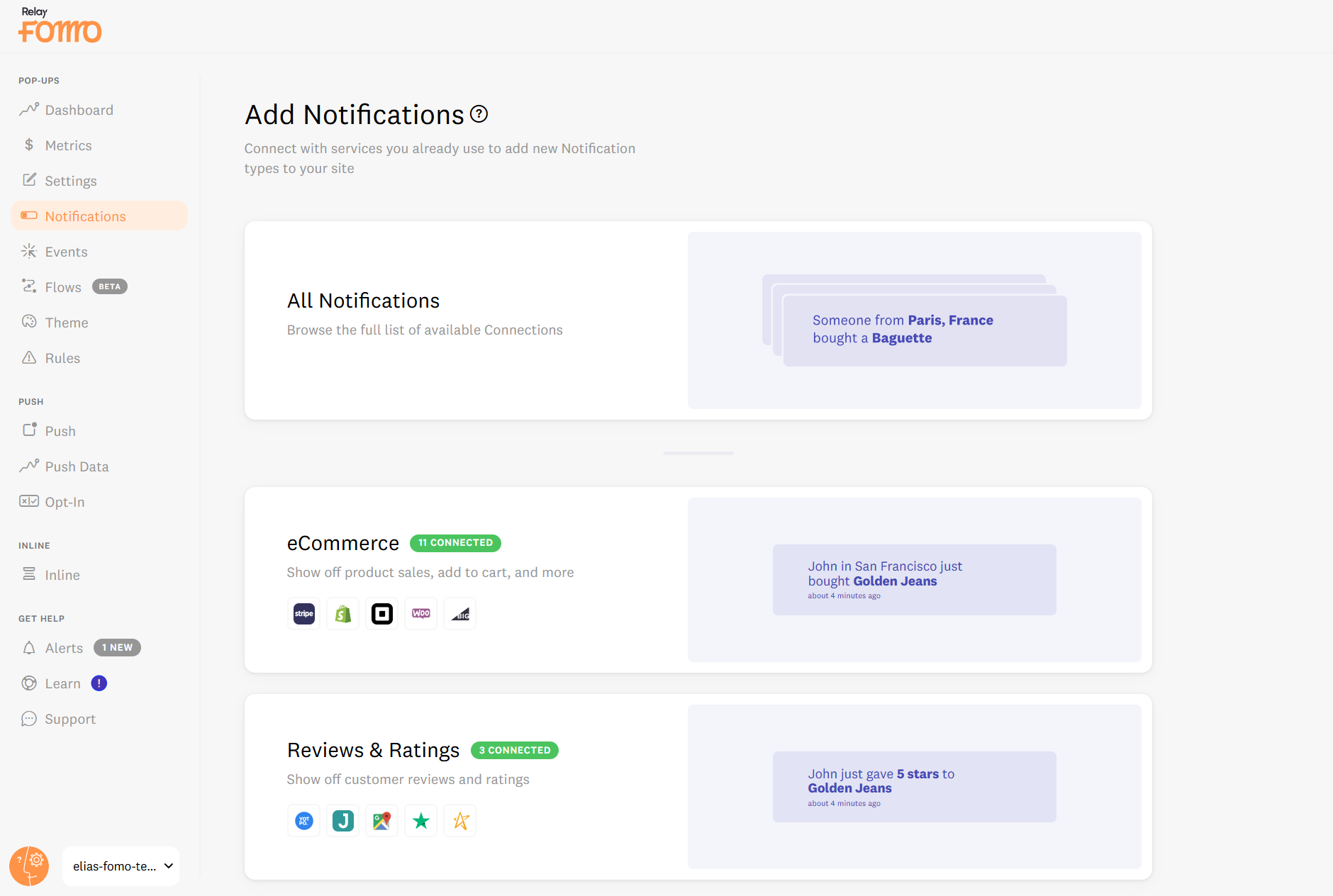
Log in to Fomo and navigate to the Notifications tab> +Add notifications> All Notifications.
-
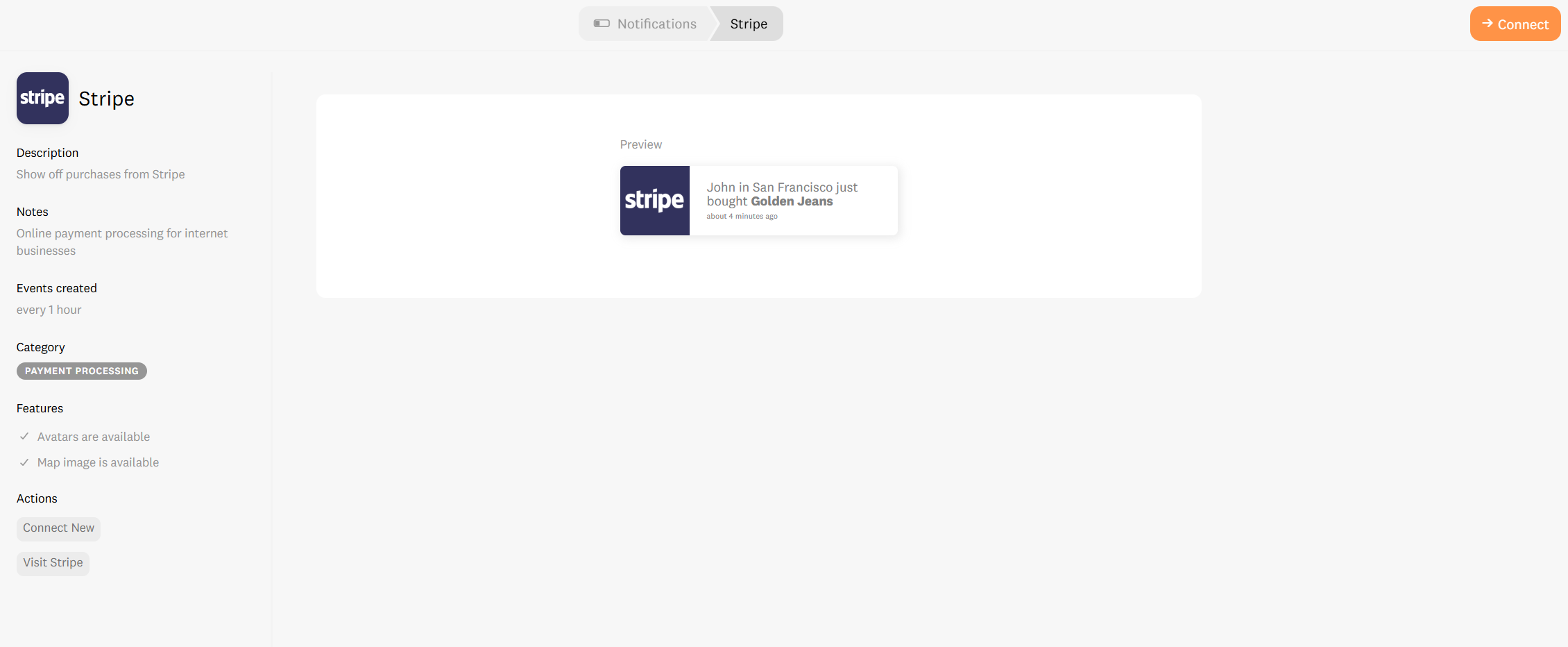
Search for Stripe and click Connect.
-
Fomo will now listen for
charge.succeededevents.
- The CRO Benefit: This ensures zero "data leakage." Even if a visitor skips a thank-you page, the sale is recorded and displayed, maintaining your Conversion Continuity.
👉 Follow the full Stripe Setup Guide here.
🔌 Method 2: The HighLevel "Handshake" (Native Workflow)
You are telling Funnel Cures exactly when to send data to Fomo using a dedicated Webhook URL.
👉Here you can find in more details the steps to take.
-
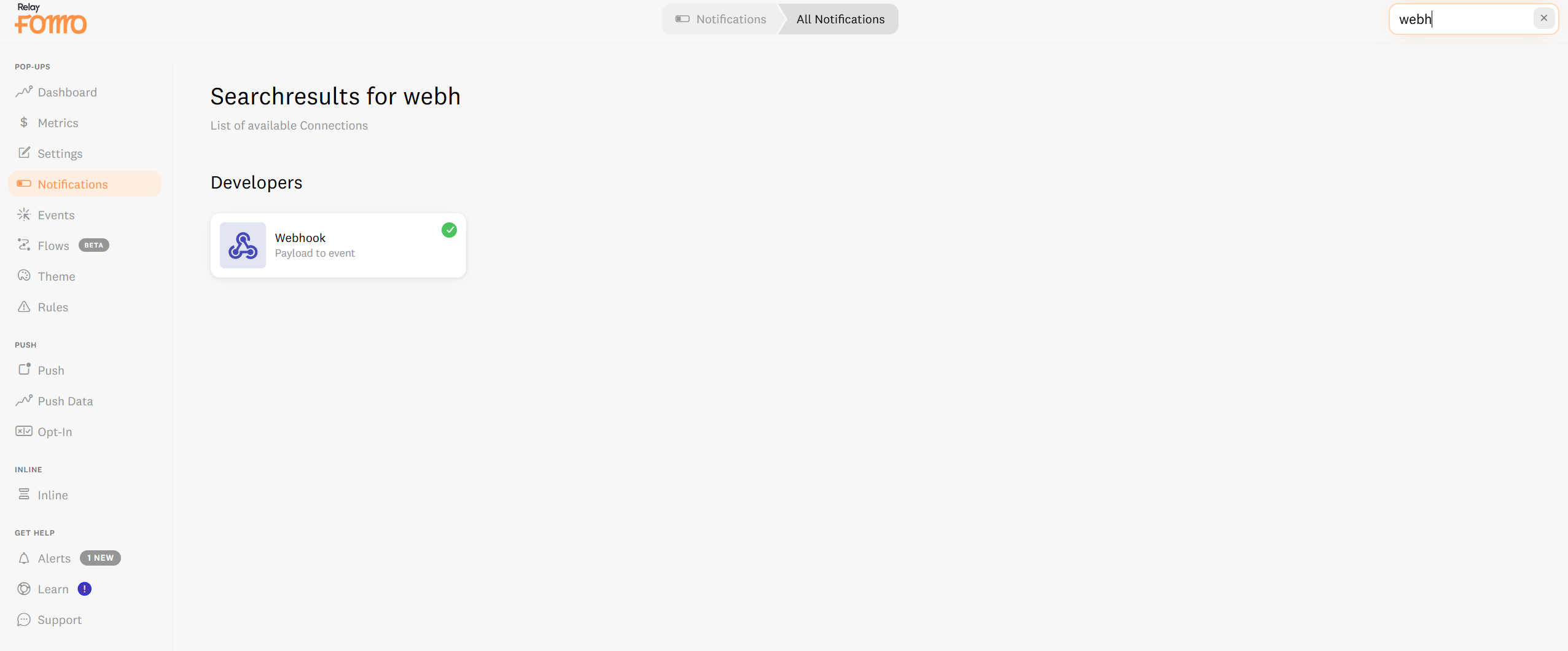
In Fomo: Go to the Notifications Tab>+Add New Notification>All notifications, search for Webhool, and click Connect.
-
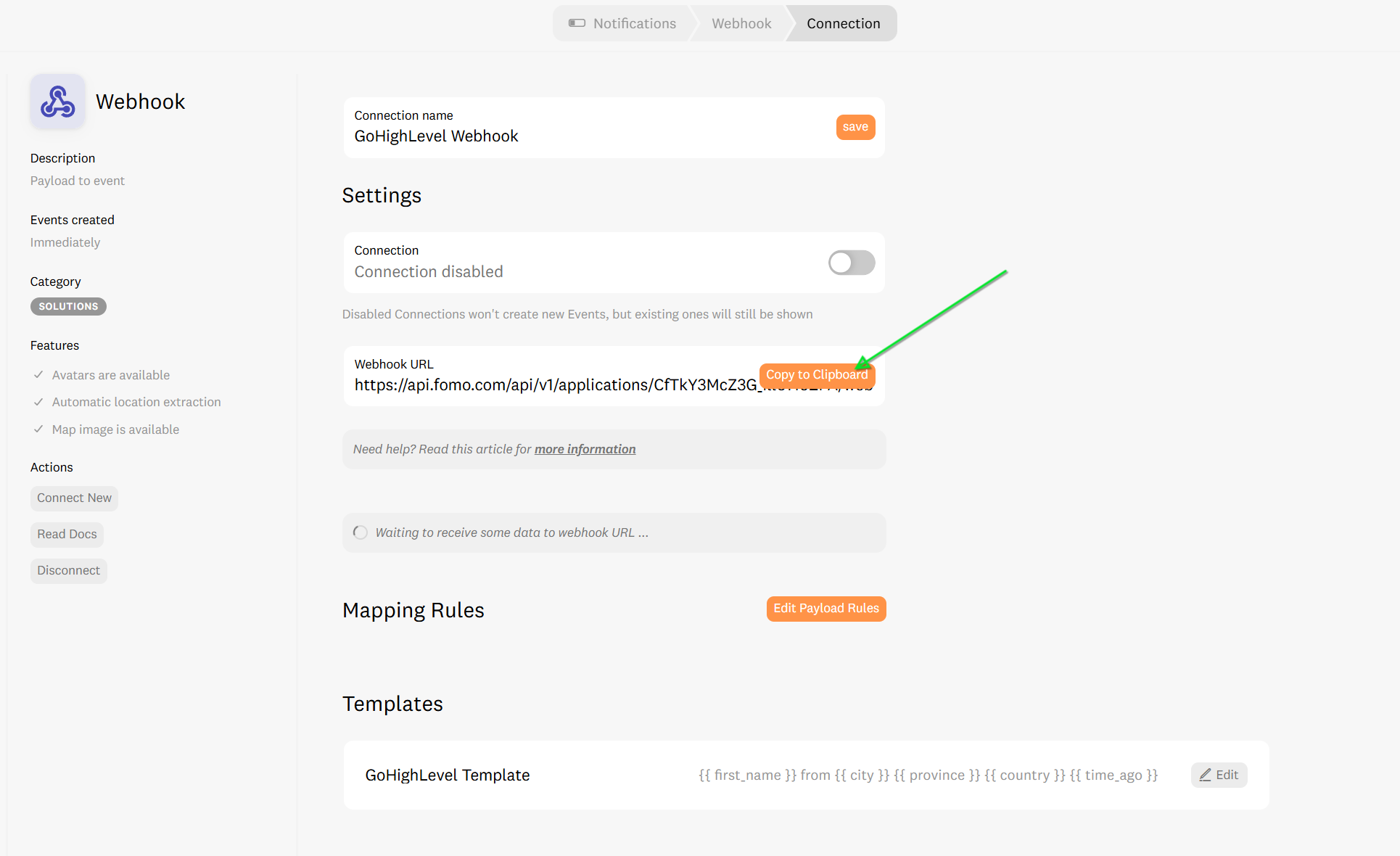
Copy the URL: Fomo will generate a unique Webhook URL. Copy this to your clipboard.
-
In Funnel Cures: Navigate to Automation > Workflows and open (or create) the workflow for your funnel (e.g., "New Lead" or "Product Sale").
-
Add Action: Click the (+) icon to add a new action and select Webhook.
-
The Paste: Set the method to POST and paste your Fomo Webhook URL into the field.
- Save & Publish: Once you save the workflow and the funnel is active, Funnel Cures will "push" every new event directly to Fomo.
🧠 Strategic Advice: Managing Your Funnel Experience
Funnel Cures users often move visitors through very specific stages. To maximize ROI:
-
Use Page Rules: Don't show "Lead Opt-in" notifications on your Checkout Page. Use Page Rules to show only high-value "Purchase" notifications during the final decision stage to provide Psychological Safety.
- Initial Delay: Set your to wait 3–5 seconds after a page loads. This gives your headline time to land before the social proof validates the claim.
🚀 We’re Here to Build Your Momentum
Connecting Funnel Cures to Fomo is the fastest way to turn a "silent" funnel into a high-energy sales environment. If you run into any trouble finding your API key or mapping your Webhook fields, our team is ready to jump in.
Email us: hello@fomo.com
Work with an Expert: Book a strategy call to have us audit your funnel’s social proof architecture. 🥳