_01JMZ4H43P2JR7Z62M1XDT4TBF.png)
How to Customize Your Notification Images🖼️
Sometimes, you want to add a little more brand personality to your social proof. By default, order-related notifications (like a Shopify or BigCommerce purchase) automatically pull the specific product image directly from your data source.
However, for notifications like "Live Visitors" or "Someone is viewing,"etc. Fomo uses a default placeholder image (you might recognize our friend Mr. Bean!). Updating this default placeholder to a custom brand logo, icon, or team photo is a great way to maintain your brand's Visual Integrity and add character to your store.
Here you have a short video:
Or you can follow the instructions,
Here is how to quickly swap out that default image for your own.
🛠️ Step 1: Navigate to Your Notification
-
Log in to your Fomo dashboard.
-
Click on the Notifications tab at the left of your screen.
-
Scroll through your list to find the specific notification you want to update (e.g., Live Visitors).
-
Click the Edit button next to that notification.
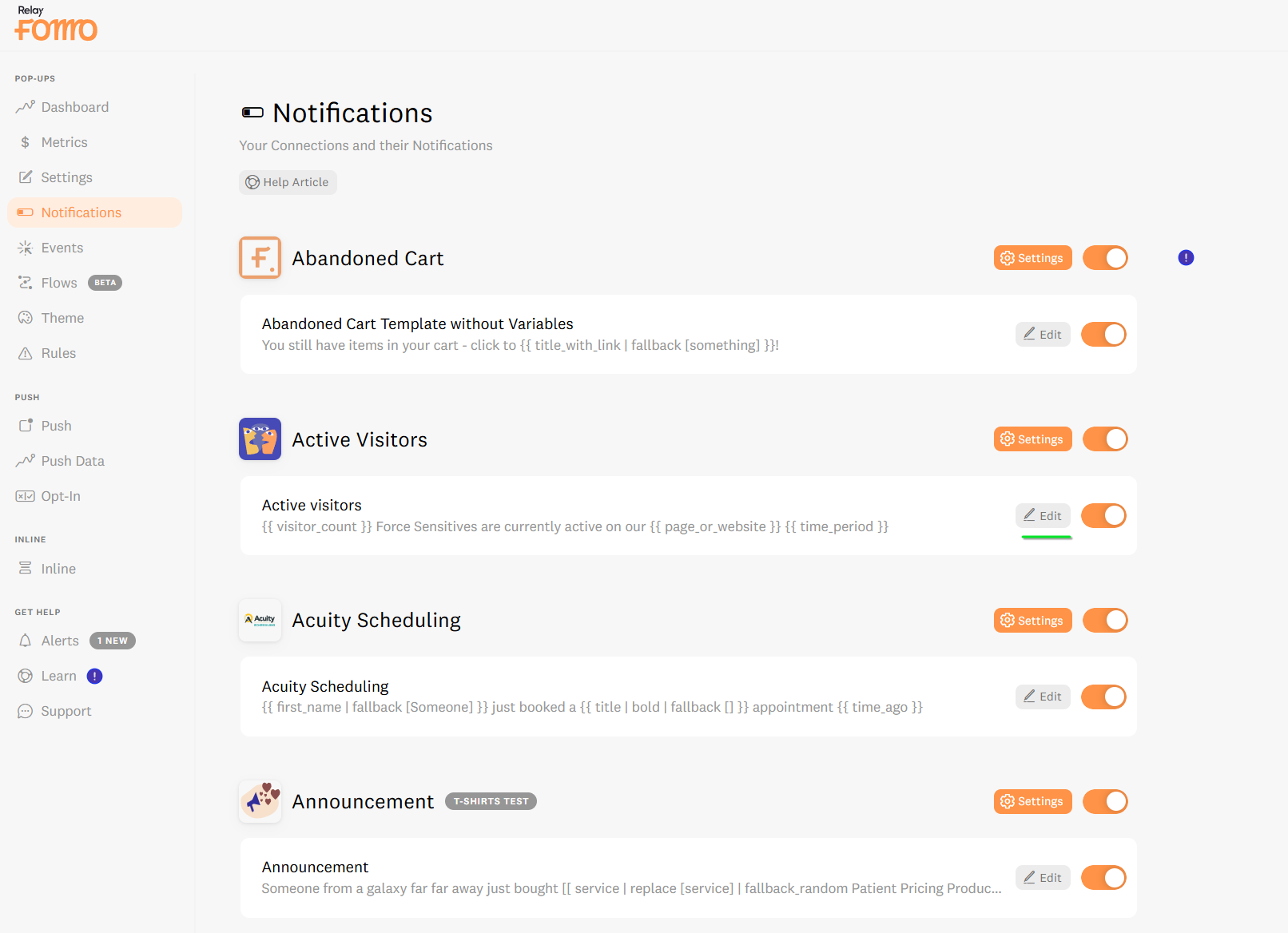
(Note: Once inside, you will see the message box with the structure of your notification, which you are always free to modify using our template filters!)
🎨 Step 2: Upload Your Custom Image
-
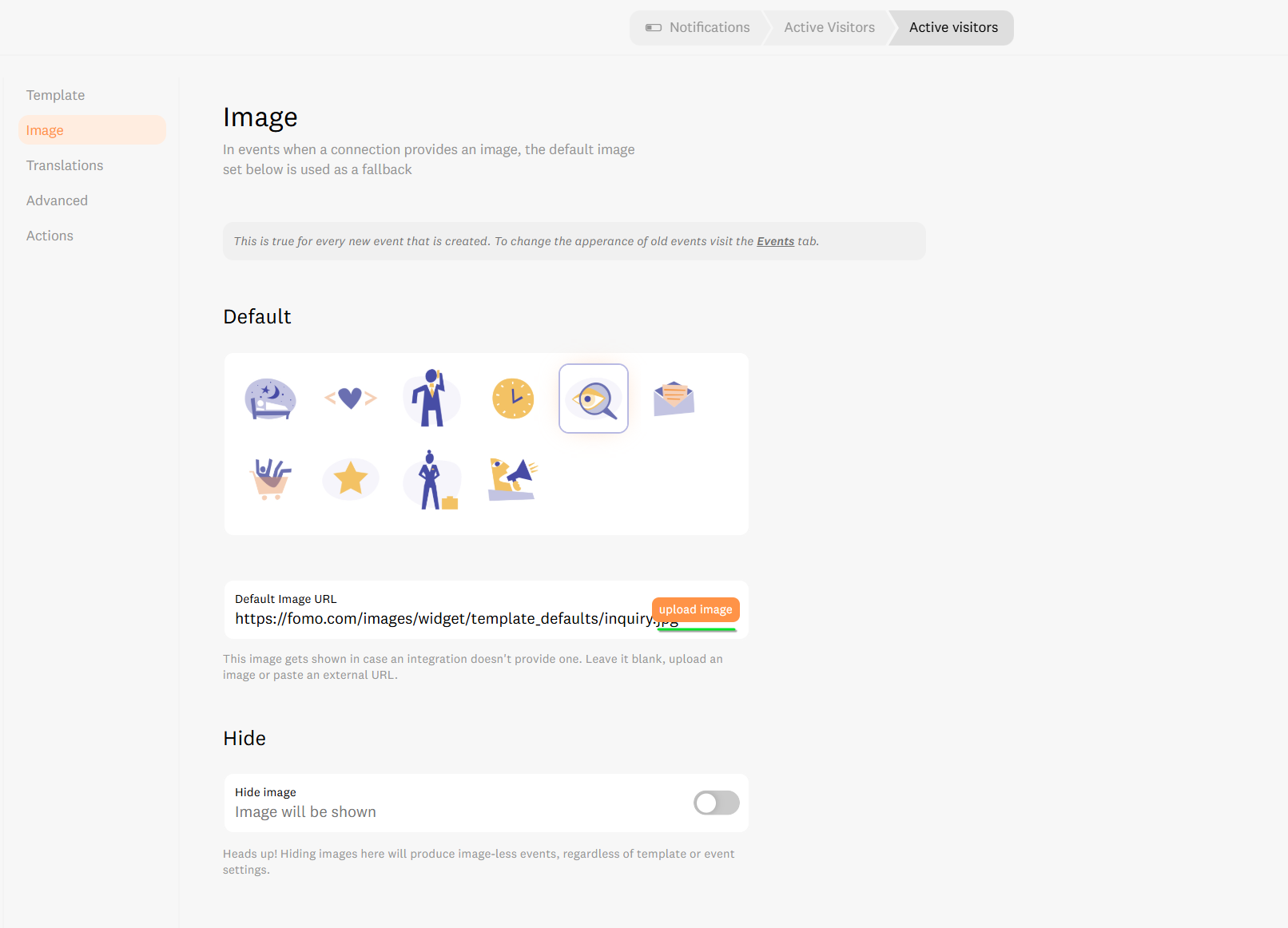
Once inside the Edit screen: Look to the left-hand menu and click on the Image tab.
-
Locate the orange Upload Image button.
-
Click it and select the custom image or brand icon you want to display from your computer.
-
Once your image is uploaded, make sure to click Save in the top right corner of your screen.
-
Click back over to the Template tab. You will immediately see your notification preview updated with your new custom image!
⚠️ Technical Considerations
To keep your Fomo feed looking exactly how you want it, keep this important rule in mind:
-
New vs. Old Data: This image change will only apply to notifications that are currently live, or new notifications generated from this point forward. If you want to retroactively change the image on old, already-processed notifications, you will need to use Fomo's Template Actions feature to update them.
🚀 We're Here to Help You Sync
Customizing your Fomo design is your path to a high-conversion, visually authentic store atmosphere. If you need help updating past templates or sizing your images correctly, we're ready to jump in.
-
Email us: hello@fomo.com
- Work with an Expert: Book a Strategy Call here.🥳